
Dedicated IPs
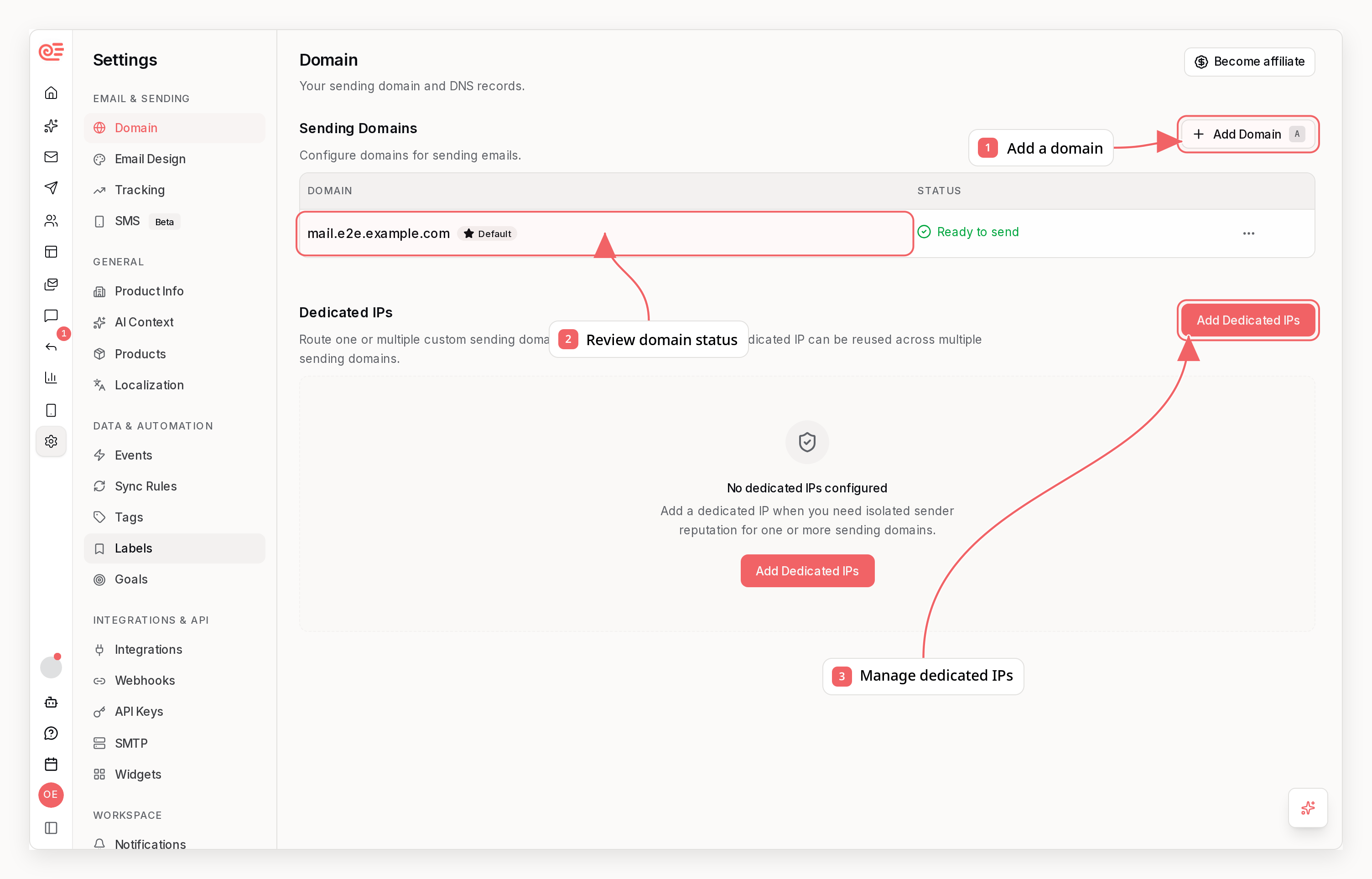
Settings -> Domain -> Dedicated IPs.
How Assignment Works
- One dedicated IP can be connected to one domain or many domains
- Each sending domain can use only one dedicated IP at a time
- If you assign a domain to a different dedicated IP, Sequenzy moves it automatically
- Domain-level routing applies across campaigns, sequences, transactional emails, test sends, and replies because Sequenzy sends through the domain’s SES configuration set
What You See In The UI
- A list of all dedicated IP records for the workspace billing owner
- A status for each IP so you can see whether it is still pending, ready to assign, or failed
- Which domains in the current workspace are already connected to each ready IP
- A multi-select assignment dialog so you can attach one ready IP to multiple domains without repeating setup
Provisioning State
If a dedicated IP has been purchased but SES setup is still in progress, Sequenzy can show it asPending. Pending IPs stay visible in the list, but you can start assigning them only after they are marked Ready.
Before You Assign A Domain
- Verify the sending domain first or finish its DNS setup
- Decide whether the domain should stay on the shared pool or move to a dedicated IP
- Make sure the domain belongs to the workspace where you are editing assignments
Best Practices
- Use dedicated IPs when you need stronger reputation isolation or predictable sending streams
- Keep marketing and transactional traffic on separate domains whenever possible
- Warm up new dedicated IP traffic gradually instead of moving all volume at once
- Continue to use subdomains for isolation, even when you have a dedicated IP