
How it fits together
Orders and checkouts come from your backend. For on-site behavior before a
purchase - product views, cart activity, collection views, and searches, which
power browse and cart abandonment - add the browser SDK described in Website
Tracking.
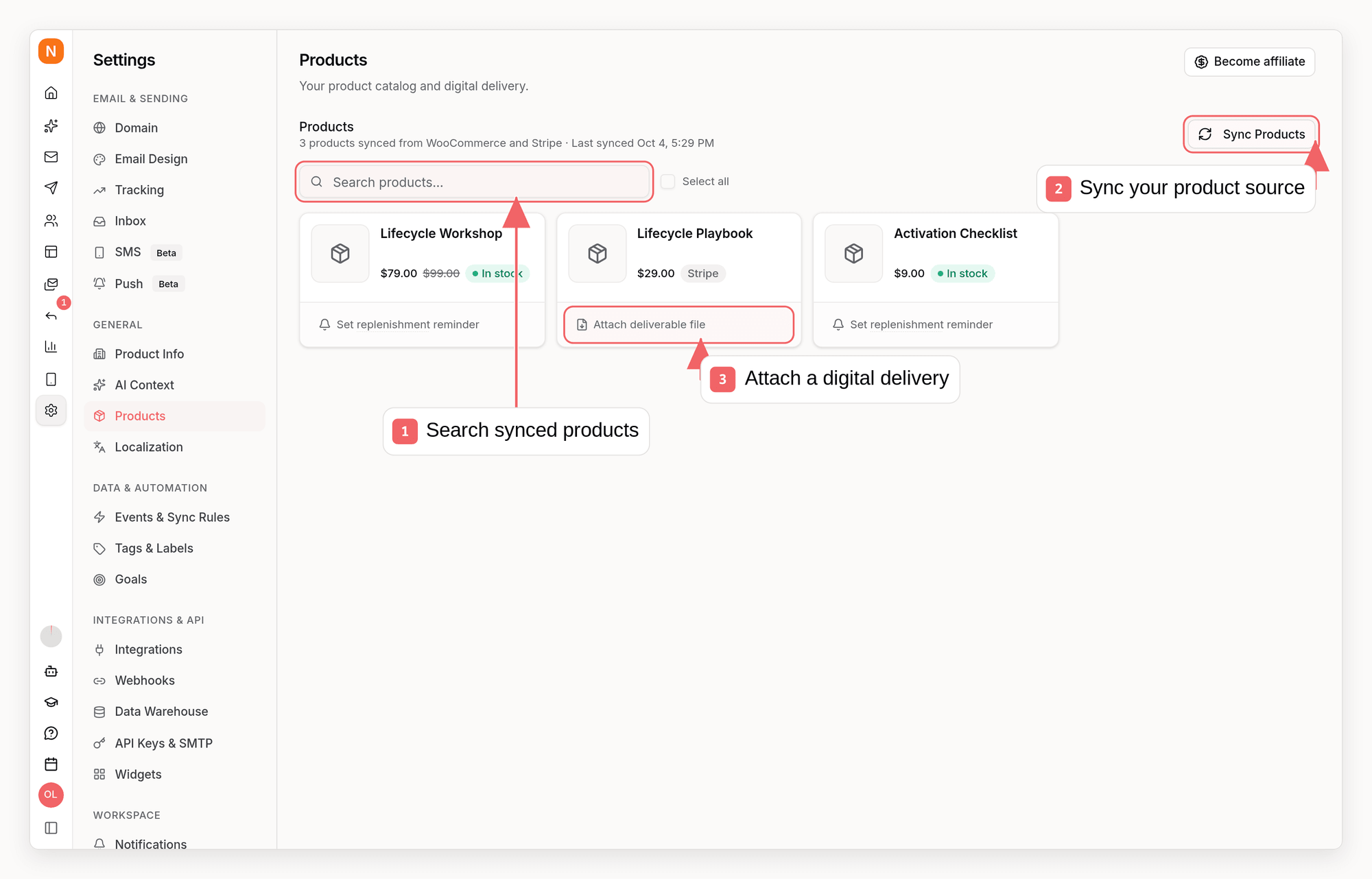
Step 1: Push your product catalog
Sync your products once, then keep them updated whenever they change (a daily sync is fine for most stores). Products are upserted by yourproductId, so repeated pushes are safe.
sequenzy products upsert / sequenzy products delete in the CLI, or the upsert_products / delete_product MCP tools. Both support attaching a deliverable file for digital product delivery.
Step 2: Push orders
Call the orders endpoint whenever an order is placed (and optionally when it is cancelled, fulfilled, or refunded). This single call updates the customer profile, revenue attributes, triggers events, and schedules replenishment.orderId twice never double counts revenue, so retries are safe.
What lands in the email
Order line items reach your sequence emails as{{event.lineItems}}, which product blocks and repeat blocks iterate over. The fields on each item come from two different places:
The orders endpoint deliberately does not accept
imageUrl or url on a line item. Sequenzy matches each item against your catalog by productId when it renders the email and fills in the product image and link from the catalog record. That keeps image URLs out of your order pipeline, and it means a product photo you update today applies to reminder emails that have not sent yet.
So you do not need to push full product data on every order - but you do need more than an id. productId, title, and quantity are required on each item, and priceCents is what gives the email a price to render.
If your platform tracks lifetime customer totals, pass them in
customerTotals (ordersCount, totalSpentCents). Sequenzy then uses your
platform as the source of truth instead of adding orders up itself - useful
when backfilling history.Step 3 (optional): Track started checkouts
Send checkout started events to power abandoned checkout sequences. Create a sequence triggered byecommerce.checkout_started with a delay; Sequenzy adds a stop condition on ecommerce.order_placed by default, so pushing the order cancels any remaining emails.
Step 4 (optional): Back-in-stock alerts
When a customer asks to be notified about a sold-out product, call the back-in-stock endpoint. When a later product upsert marks the product in stock again, waiting subscribers get theecommerce.back_in_stock event.
What you get in the dashboard
- Customers appear as subscribers with
ltv,totalSpent,ordersCount, andaovattributes you can segment on - Order history shows up in each subscriber’s activity feed
- Products are available in the email editor’s product blocks
- Automations can trigger on any
ecommerce.*event, with order data available as{{event.*}}merge tags
Example: CheckoutChamp
CheckoutChamp (Konnektive) can notify your backend on order events via postbacks. Point a postback at a small relay that maps the payload onto the Commerce API:Event reference
Limits
- Up to 100 products per upsert request
- Order processing is asynchronous (typically under a few seconds)
- Products pushed via the API are owned by the
apiprovider: they don’t conflict with Shopify or WooCommerce synced products