
What Are Tags?
Tags are simple string labels attached to subscribers. Each subscriber can have multiple tags, and tags can be added or removed at any time.Why Use Tags?
1. Segmentation
Target specific groups in campaigns:- Send product updates to
customertagged subscribers - Exclude
churnedsubscribers from promotional emails - Target
trialusers with conversion campaigns
2. Automation Triggers
Start sequences when tags are added:- When
customertag is added → Start onboarding sequence - When
churnedtag is added → Start win-back sequence - When
enterprisetag is added → Notify sales team
3. Personalization
Customize email content by using tags in campaign targeting, automation branches, or conditional display rules in the email editor. For raw HTML templates, sync the value you need into a subscriber custom attribute and guard the section with a simple conditional:4. Analytics
Track subscriber segments over time:- How many
trialusers convert tocustomer? - What’s the churn rate for
pro-planvsstarter-plan?
System Tags
Sequenzy includes built-in system tags for common use cases:The preset applies these tags only when you enable it in Settings → Events &
Sync Rules, typically together with a billing integration such as Stripe.
Tag Normalization
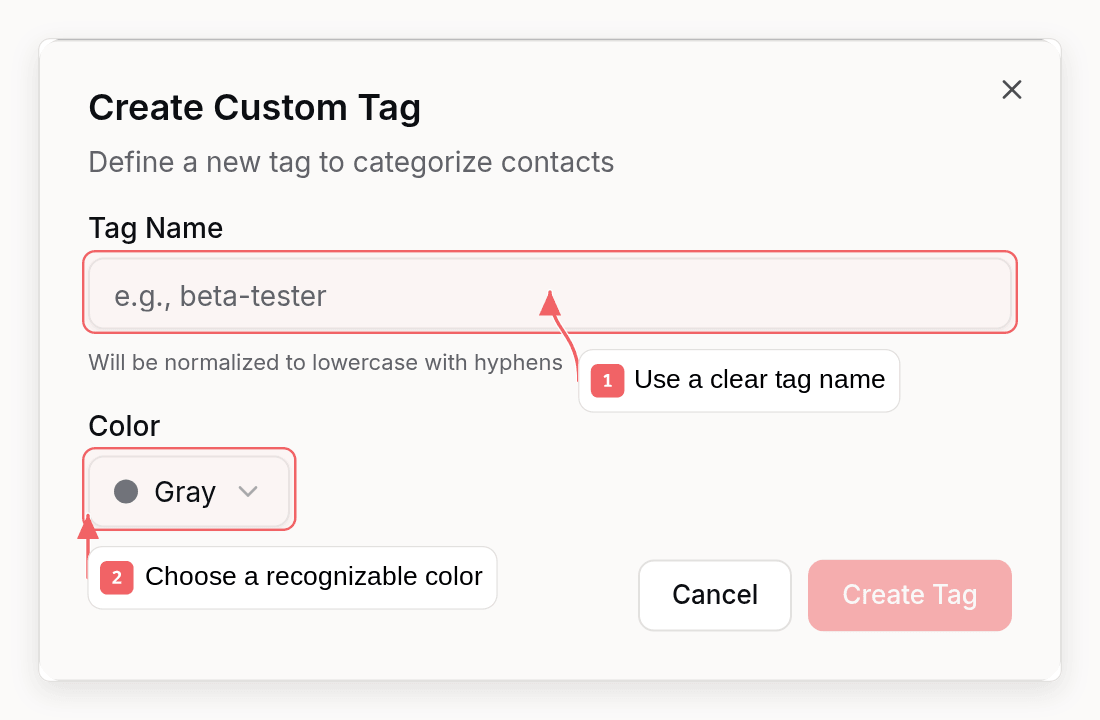
Tags are automatically normalized when created:- Converted to lowercase
- Runs of whitespace replaced with one hyphen
- Other characters, including underscores and punctuation, preserved
Adding Tags
Single Tag
Multiple Tags (Bulk)
Auto-Creation
When you add a tag, Sequenzy automatically:- Creates the subscriber if they don’t exist
- Creates the tag definition if it doesn’t exist
- Adds the tag to the subscriber
Removing Tags
Tags can be removed through:- Dashboard - Manual removal in subscriber profile
- Sequences - “Remove Tag” action in automations
- Sync Rules - Automatic removal when events occur
Using Tags in Sequences
Trigger: When Tag Added
Start a sequence when a subscriber receives a tag:Action: Add/Remove Tags
Modify tags during sequence execution:Condition: Has Tag
Branch logic based on tags:Using Tags in Campaigns
Filter by Tags
When creating a campaign, filter recipients: Include subscribers with tags:customerANDactive
churnedORunsubscribed
Example: Feature Announcement
Target active customers on pro plan:Dashboard Visibility
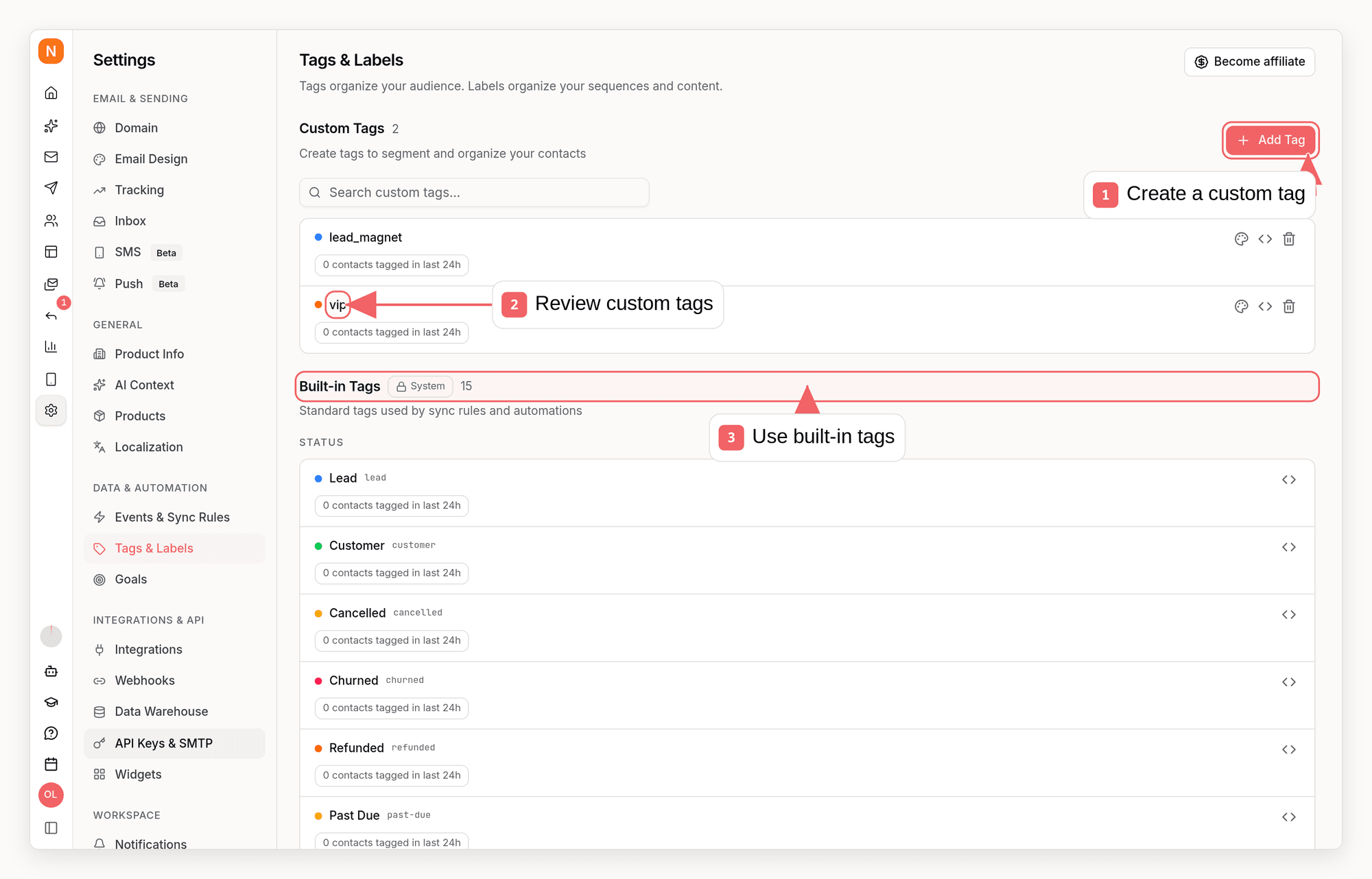
In Settings → Tags & Labels, Sequenzy shows:- How many unique contacts were tagged with each tag in the last 24 hours
- Which active sequences currently trigger when that tag is added
- Which paused sequences would trigger if you reactivate them
Sync Rules
Sync rules automatically manage tags based on events. When an event occurs, specified tags are added and removed.Learn About Sync Rules
Configure automatic tagging based on events
Platform Preset
New workspaces start with no sync rules. You can opt into Sequenzy’s platform preset, which tags SaaS and ecommerce lifecycle events automatically. See the full preset table in Sync Rules.Best Practices
1. Use Descriptive Names
2. Create a Tagging Strategy
Define your tag taxonomy before implementation: Lifecycle tags:lead,trial,customer,churned
free-plan,starter-plan,pro-plan,enterprise-plan
email-opened-30d,highly-engaged,at-risk
source-organic,source-paid,source-referral
3. Avoid Tag Proliferation
Too many tags become unmanageable. Consolidate similar tags:4. Use Events for Temporary States
For actions that happen multiple times, use events instead of tags:5. Document Your Tags
Maintain a reference of what each tag means and how it’s applied:Related
Events
Trigger tag changes with events
Sync Rules
Automate tagging based on events
Sequences
Use tags to trigger and control flows
Tags API
Add tags via API