
Email Localization
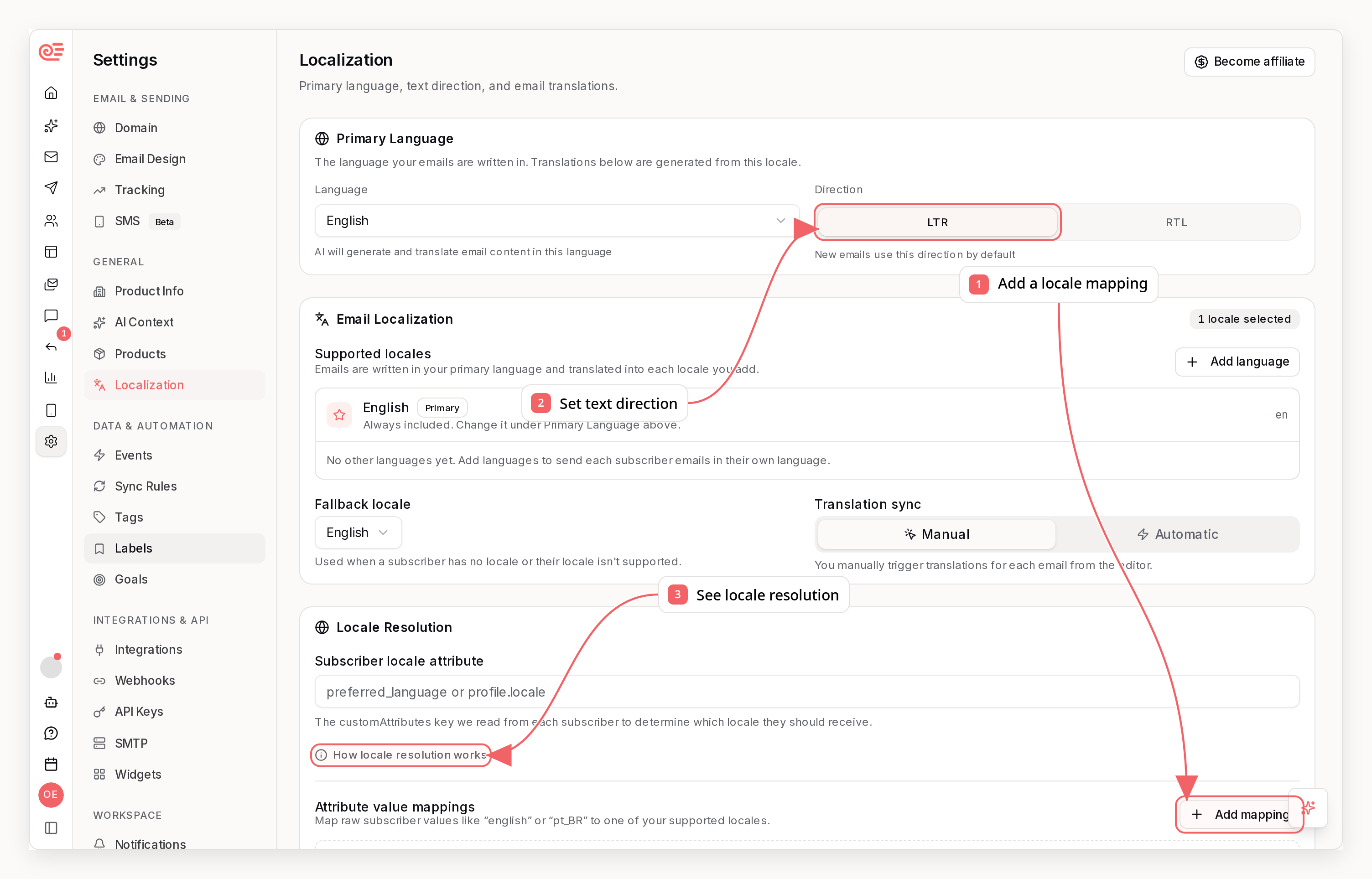
How It Works
- You set a primary language for the company.
- You add supported locales such as
es,fr, orpt-BR. - You choose which subscriber custom attribute contains the locale value.
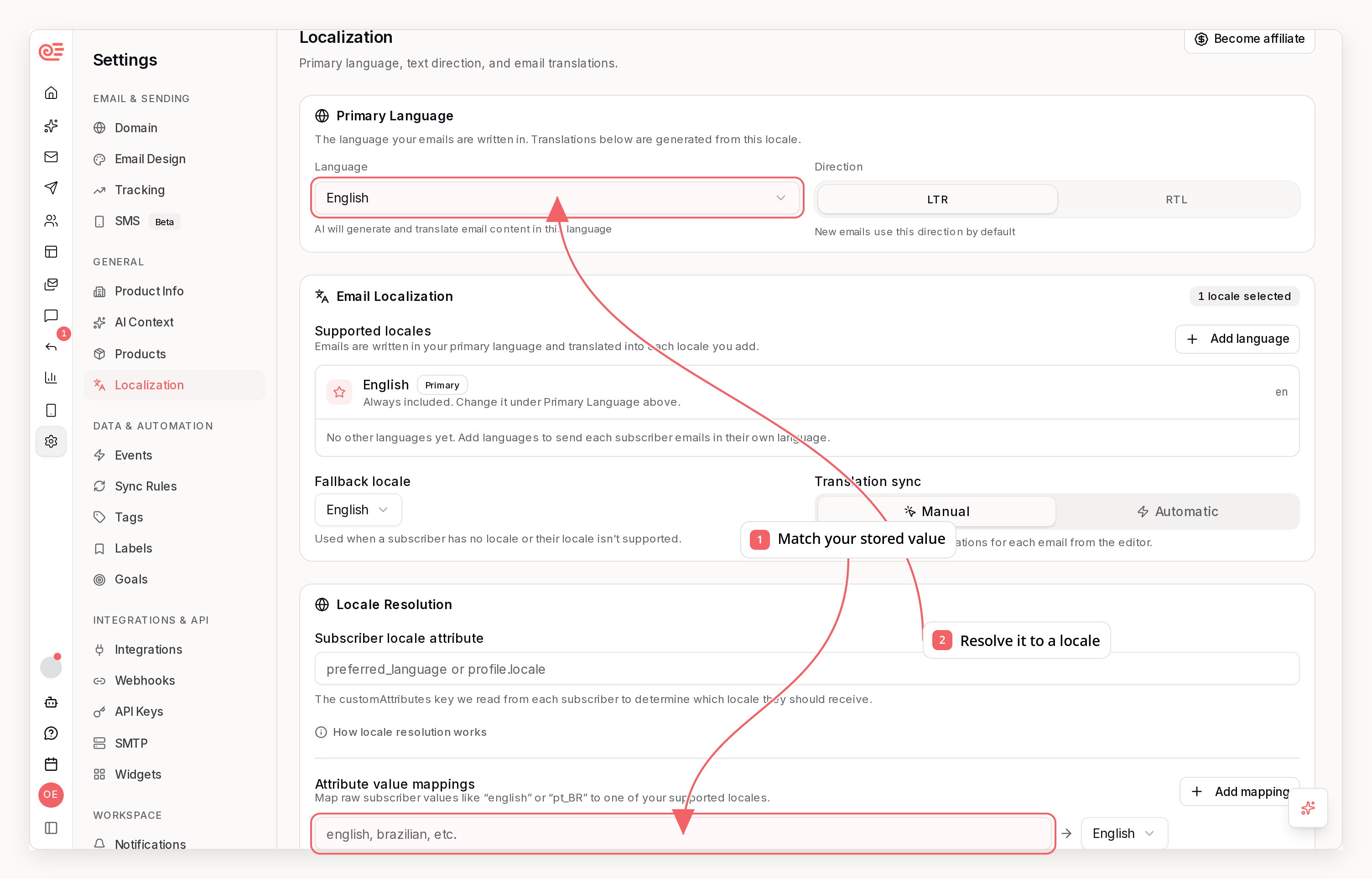
- You optionally map raw attribute values like
spanishorpt_BRto normalized locale codes. - Sequenzy resolves the recipient locale at send time and picks the best matching localized variant.
Company-Level Settings
Localization settings live on the company and apply to campaigns, automations, transactional template sends, and A/B test variants. You can configure:- Primary language and text direction: The language your emails are written in and whether new emails default to left-to-right or right-to-left.
- Supported locales: The set of languages you want to maintain for email.
- Fallback locale: The locale Sequenzy should use when a subscriber value does not match.
- Subscriber locale attribute: The custom attribute key to read at send time, including dot-paths like
profile.locale. - Value mappings: Raw subscriber values mapped to normalized locales, for example
spanish -> es. - Auto-sync mode: Whether localized variants sync only manually or automatically when the source language changes.
Custom Locale Codes
fr-CAfor Canadian Frenchsr-Latnfor Serbian written in Latin scripten-AUfor Australian English
pt_BR becomes pt-BR. Deprecated language aliases also resolve to their
modern codes, such as iw to he and tl to fil. Existing localized
variants stored under an older alias continue to work and appear under the
modern locale throughout the app and developer tools.
Per-Email Variants
Every email keeps its primary version as the source of truth. Additional locales are stored as localized variants with their own:- Subject
- Preview text
- Block content
- Sync status
- Last sync time
- Last sync error
Sync Status
Localized variants move through four statuses:synced: The locale matches the current primary-language source.stale: The primary email changed and this locale needs to be refreshed.syncing: Sequenzy is currently generating or refreshing the locale.failed: The sync attempt failed and kept the previous content.
Send-Time Locale Resolution
When Sequenzy sends an email, it:- Reads the configured subscriber attribute.
- Normalizes and maps the value to a locale.
- Tries an exact locale match such as
pt-BR. - Falls back to a base locale match such as
pt. - Falls back again to your configured fallback locale.
- Uses the primary language if no localized variant is available.
AI Sync
When you sync a locale, Sequenzy translates the human-readable content while preserving the email structure. The sync keeps:- Block IDs and block order
- Styles and layout
- Links and tracking settings
- Merge tags such as
{{FIRST_NAME}} - HTML tags inside rich text
Hi {{FIRST_NAME|there}} becomes Hola {{FIRST_NAME|amigo}} in Spanish: the
variable name stays exactly as you wrote it, and only the fallback after | is
localized. Fallbacks that are not prose - numbers, codes, URLs, and email
addresses - are left alone, and so is any fallback inside a link, such as
https://shop.example.com/checkout?discount={{CODE|WELCOME10}}, because the
value there is read back verbatim rather than shown to the reader.
API, CLI, And MCP Access
Developer tools can inspect localized variants, store caller-supplied translations, and explicitly queue AI translation.CLI
MCP
get_companyreturns the effective localization settings for a company.list_templatesreturns template-level localization status by locale.get_templatereturns the full localized variants for a template.set_template_localizationstores a caller-supplied localized variant.sync_template_localizationsqueues AI translation for selected or all enabled non-primary locales.sequenzy://companyexposes the currently selected company as a read-only resource.
REST API
PUT /api/v1/templates/{templateId}/localizations/{locale}creates or replaces a localized variant using supplied HTML or Sequenzy blocks.POST /api/v1/templates/{templateId}/localizations/syncqueues AI translation. Omitlocalesfrom the JSON body to sync every enabled non-primary locale.
Notes
- Direct transactional sends that provide raw subject and HTML are not localized automatically. Template-based sends are.
- A localized variant can be edited manually, but any primary-language change marks it as stale until you sync it again.
- A/B test variants maintain their own localized copies separate from the base email template.