
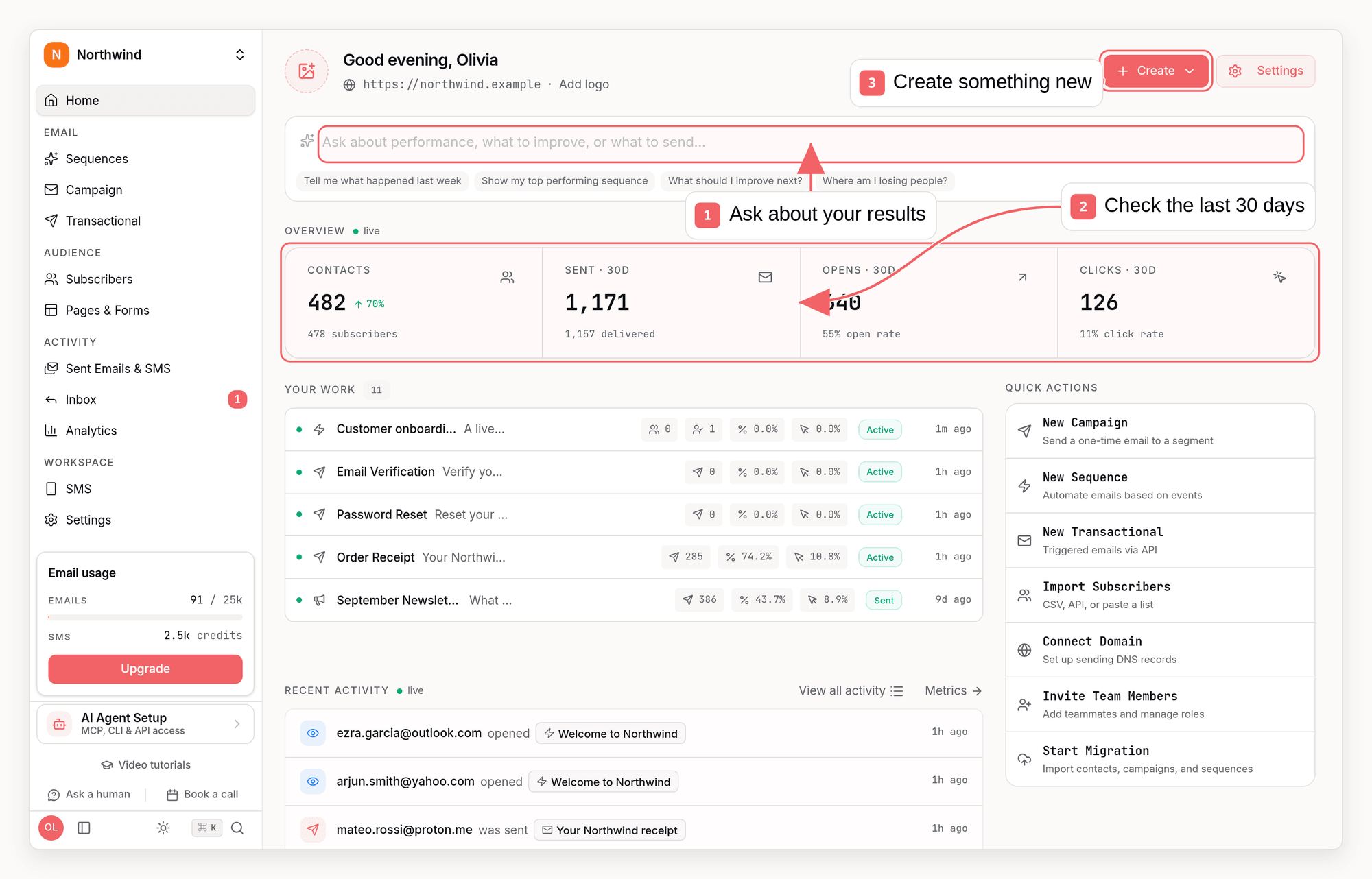
What you can build
Sequences
Automated journeys triggered by signups, events, tags, or segments
Campaigns
One-time email and SMS broadcasts to lists and segments
Transactional email
Receipts, password resets, and notifications sent from your app
Subscribers
Contacts with tags, custom attributes, lists, and activity history
Events
Track what people do in your product and react to it
Analytics
Deliverability, opens, clicks, and conversions for every email
How it fits together
Your app sends subscribers and events to Sequenzy, directly or through integrations such as Stripe, Clerk, and Supabase. Sequences react to those events, campaigns reach the segments you choose, and transactional email goes out the moment your app asks for it.Choose your path
Send your first email
Create an API key, add a subscriber, and send a transactional email in about
five minutes
Use Sequenzy from your AI assistant
Connect ChatGPT, Claude, Cursor, Codex, or another MCP client
Sync users and billing
Connect your auth and billing providers so email reacts to signups, trials,
and payments
Switch from another tool
Move transactional email, sequences, contacts, and campaigns in phases
API basics
All API requests go tohttps://api.sequenzy.com/api/v1 and authenticate with
an API key. See Authentication for key types and scopes, or
browse the API reference.
Need help?
- Email: nic@sequenzy.com
- X: @nikpolale
- Changelog: What’s new