
Using Subdomains for Email
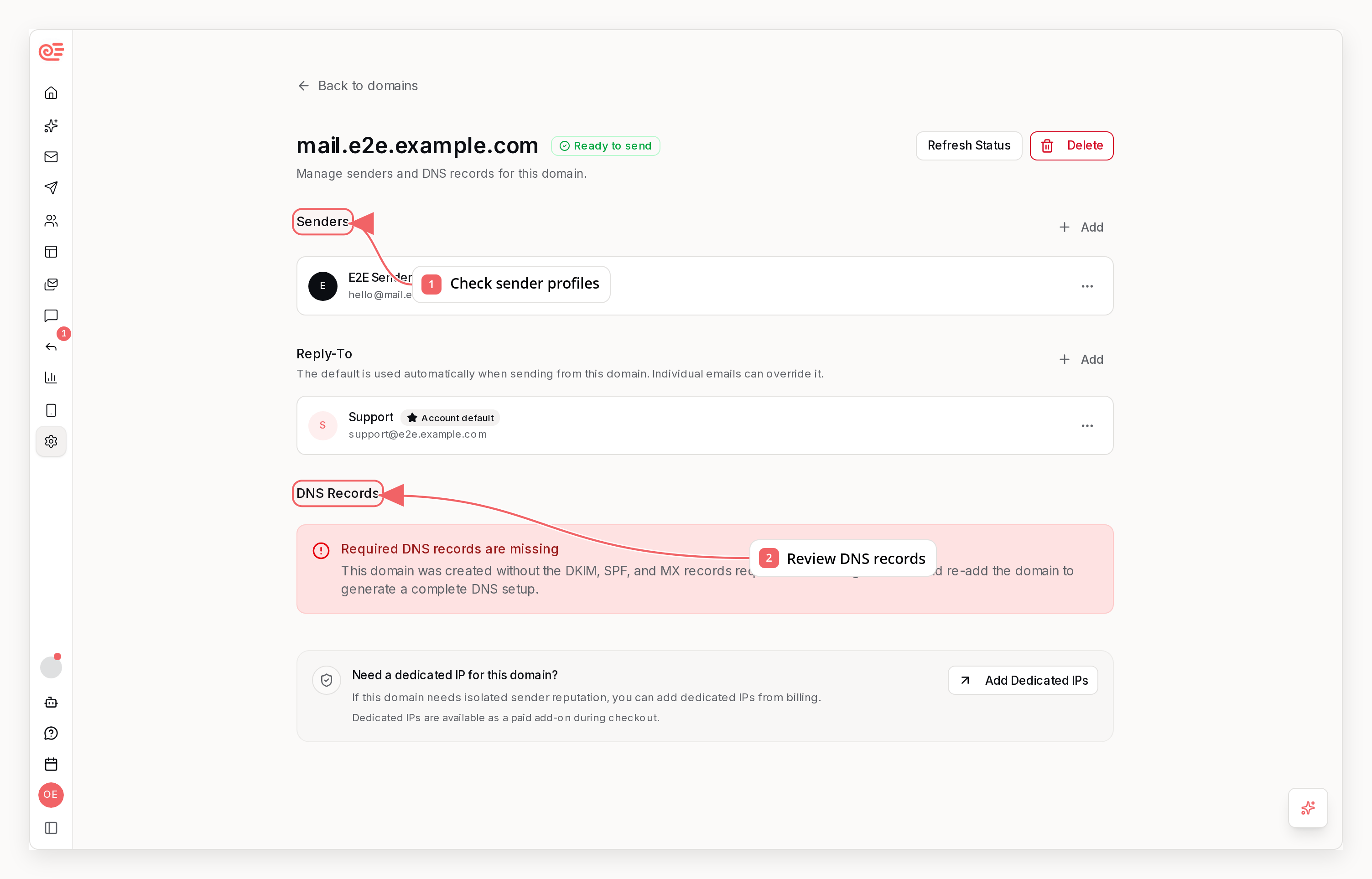
example.com) or a subdomain (e.g., mail.example.com). We strongly recommend using a subdomain for all email sending.
Why Use a Subdomain?
1. Reputation Isolation
Email reputation is tied to the domain you send from. If something goes wrong—high bounce rates, spam complaints, or a misconfigured campaign—only the subdomain’s reputation is affected.
With a subdomain, your root domain remains pristine for critical communications like password resets, invoices, and personal emails.
2. Separation of Email Streams
Different types of email have different engagement patterns. Marketing emails typically have lower open rates than transactional emails. Mixing them can drag down your overall reputation. Recommended subdomain structure:3. Easier Troubleshooting
When deliverability issues arise, having separate subdomains makes it easier to:- Identify which email stream is causing problems
- Isolate and fix issues without affecting other email
- Test changes on one subdomain before rolling out broadly
4. Flexibility for Future Changes
Using a subdomain gives you options:- Switch providers without affecting your root domain
- A/B test different sending configurations
- Sunset a subdomain if it becomes compromised
Choosing a Subdomain Name
Pick a subdomain that’s professional and recognizable. Common choices:When to Use Your Root Domain
There are limited cases where sending from your root domain makes sense:- Personal email - If you’re sending individual emails as yourself
- Very low volume - A few emails per month with high engagement
- Already established - You have years of good reputation on the root domain
Setting Up a Subdomain in Sequenzy
When you add a domain in Sequenzy, you can choose to use a subdomain:- Go to Settings → Domains
- Click Add Domain
- Enter your subdomain name (e.g.,
mail) - Complete DNS verification
subdomain.yourdomain.com.
Subdomain vs Root Domain Comparison
Best Practices
1. One Subdomain Per Email Type
Don’t mix marketing and transactional email on the same subdomain. Their different engagement patterns will muddy your reputation signals.2. Warm Up New Subdomains
New subdomains have no reputation. Start with low volume to engaged recipients, then gradually increase:- Week 1: 50-100 emails/day to most engaged users
- Week 2: 200-500 emails/day
- Week 3: 1,000+ emails/day
- Week 4+: Full volume
3. Monitor Each Subdomain Separately
Track metrics per subdomain:- Open rates
- Bounce rates
- Spam complaints
- Blocklist status
4. Keep DNS Records Organized
Document which DNS records belong to which subdomain. This prevents accidental deletions and makes troubleshooting easier.Common Questions
Will emails from a subdomain look suspicious?
No. Sending from subdomains is standard practice—Gmail, Amazon, and most major companies do it. Recipients see your brand name regardless.Can I use multiple subdomains?
Yes! Many companies use different subdomains for different purposes. Just verify each one separately in Sequenzy.What if my root domain is already damaged?
A new subdomain starts with a neutral reputation. This is actually a good recovery strategy—create a new subdomain and warm it up properly while the root domain recovers.Do subdomains inherit root domain reputation?
Partially. Mailbox providers consider domain relationships, but subdomains build their own reputation over time. A compromised root domain can affect subdomain deliverability initially.Related
Domain Verification
Set up DNS records for your subdomain
Implementing DMARC
Protect your domain from spoofing